
 By Mobi Roller
Have you ever stared at an image—on social media, in a news article, or buried inside a presentation—and wondered where it actually came from, who owns it, or what story it’s really telling? Maybe you needed a higher-resolution version, wanted to check if it was authentic, or hoped to discover similar visuals for a campaign or blog post. This is where image search techniques stop being a “nice-to-have” skill and become a serious professional advantage.
Thank you for reading this post, don't forget to subscribe!Image search techniques matter more today than ever before. We live in a visual-first internet where images influence trust, shape narratives, and drive clicks long before words are read. Journalists use images to verify breaking news. SEO professionals use them to uncover ranking opportunities. Designers rely on them for inspiration without infringement. Marketers use them to track brand misuse. Even everyday users use image search to identify products, places, or people in seconds.
This article is for anyone who wants to move beyond basic “right-click and search” habits. Whether you’re a beginner curious about how image search works, or an experienced professional looking to sharpen advanced workflows, this guide will walk you from foundational understanding to expert-level execution. You’ll learn not just what to do, but why it works, how to avoid costly mistakes, and how to apply image search techniques strategically in real-world scenarios.
By the end, you won’t just “find images.” You’ll understand them.
Understanding Image Search Techniques (From Beginner to Advanced)
At its core, image search techniques are methods used to locate information about an image rather than through text alone. Traditional search engines rely on keywords—you describe what you’re looking for, and the engine matches words. Image search flips that model. Instead of asking, “Show me pictures of this,” you’re saying, “Tell me everything you know about this picture.”
The simplest form is reverse image search. You upload an image or paste its URL, and the search engine scans its database for visually similar matches. Under the hood, this involves computer vision, pattern recognition, and machine learning. The system doesn’t “see” an image the way humans do. It breaks it down into shapes, colors, textures, edges, and metadata, then compares those features across billions of indexed images.
As you move into more advanced image search techniques, context becomes just as important as visuals. Modern systems analyze surrounding text, alt attributes, filenames, EXIF data, and even user engagement signals. This is why two visually similar images can return very different results depending on where and how they’re published.
Think of image search like facial recognition at an airport. A basic system checks obvious features. An advanced one cross-references travel history, timestamps, and behavioral patterns. Image search works the same way. Beginners rely on surface-level matches. Experts combine visual similarity with metadata, intent, and context to get precise answers.
Understanding this progression—from simple matching to contextual intelligence—helps you choose the right tool, technique, and workflow for your goal, whether that’s verification, discovery, SEO research, or competitive analysis.
Benefits and Real-World Use Cases of Image Search Techniques
The real power of image search techniques becomes clear when you see how they’re used in practice. Different industries rely on them for very different reasons, yet the underlying value is the same: clarity, accuracy, and leverage.
Journalists and fact-checkers use image search to verify breaking news. A dramatic photo shared on social media can be traced back to its original publication date, revealing whether it’s current or recycled from an older event. This single technique can stop misinformation in its tracks.
SEO professionals use image search techniques to uncover content gaps. By analyzing which images rank in visual search results, they identify what Google associates with a topic, how competitors structure their visuals, and where optimization opportunities exist. Before image search, this process was guesswork. After image search, it’s data-driven.
Marketers and brand managers rely on image search to detect unauthorized use of branded visuals. A logo or campaign image uploaded into a reverse search can reveal dozens of unlicensed uses across blogs, marketplaces, and social platforms. This protects brand equity and opens doors for outreach or enforcement.
Designers and content creators benefit in a different way. Image search helps them find inspiration while avoiding plagiarism. Instead of copying a style blindly, they can trace visual trends across platforms and adapt them ethically.
Even everyday users benefit. Travelers identify landmarks. Shoppers find products from photos. Students verify sources. In every case, the “before” state is uncertainty and inefficiency. The “after” state is confidence and speed.
A Step-by-Step Practical Guide to Using Image Search Techniques
Effective image search techniques follow a structured process. Skipping steps often leads to misleading or incomplete results, especially when accuracy matters.
Start by defining your intent. Are you trying to find the original source, verify authenticity, locate similar images, or gather SEO insights? Your goal determines the tool and approach.
Next, prepare the image. Use the highest-quality version available. Cropped, compressed, or watermarked images reduce accuracy. If possible, remove overlays or text that might confuse visual matching systems.
Then choose your platform. General search engines are excellent for broad discovery. Specialized tools excel at verification or commercial tracking. Upload the image or paste its URL, and review the initial results carefully. Don’t stop at the first match. Scroll, compare, and open multiple sources.
Refine your search. Try cropping the image to focus on key elements. Run the same image through multiple tools. Change perspectives by isolating faces, objects, or backgrounds. This step often reveals results missed in the first pass.
Finally, analyze context. Look at publication dates, domains, captions, and surrounding text. An image without context is just pixels. Context turns it into information. This is where beginners stop and experts dig deeper.
Tools, Comparisons, and Expert Recommendations
Not all image search tools are created equal. Each excels at different tasks, and understanding these differences saves time and frustration.
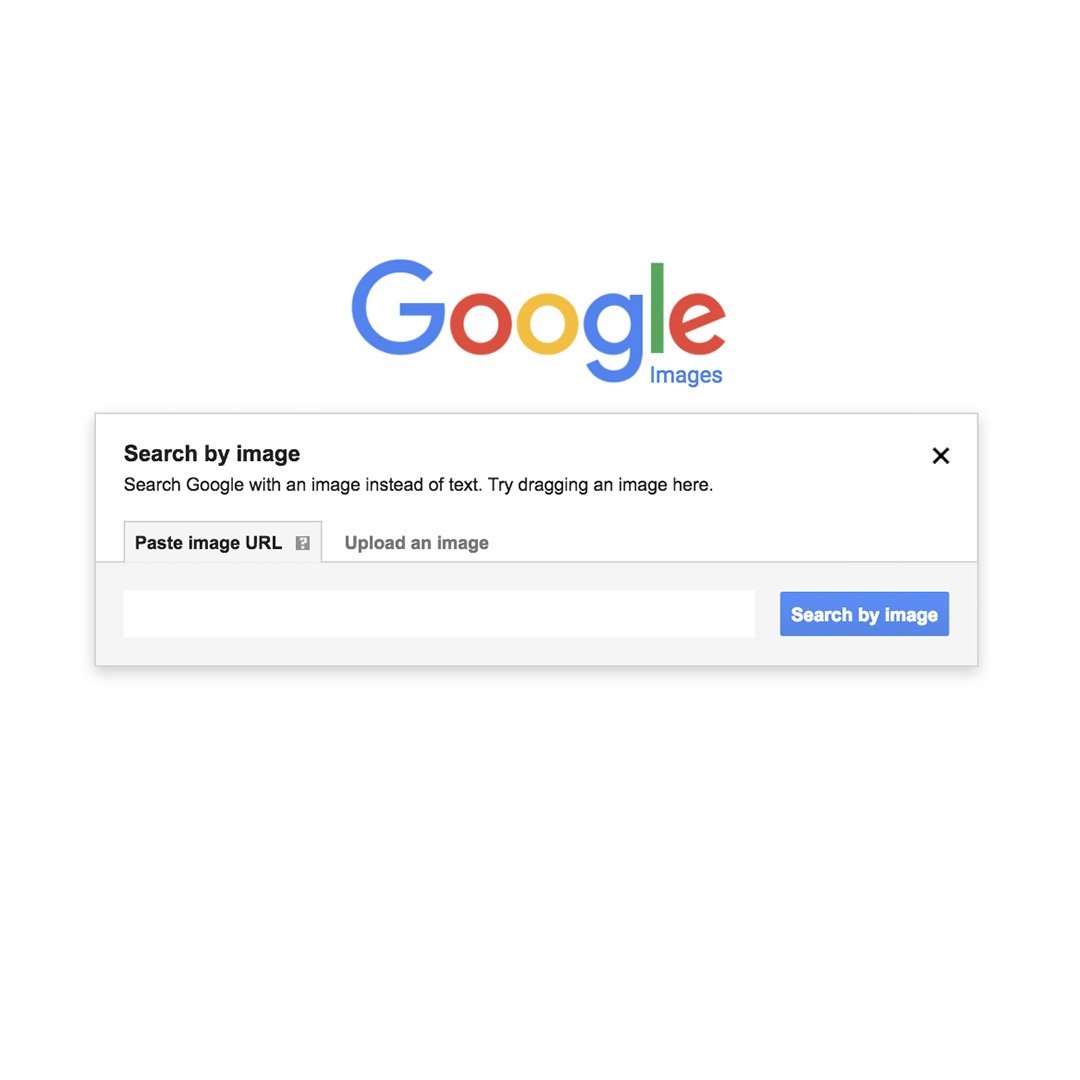

For general-purpose image search, Google Images remains the most versatile option. It combines visual matching with massive indexing power and contextual data. It’s ideal for beginners and professionals alike, though it sometimes favors popularity over originality.
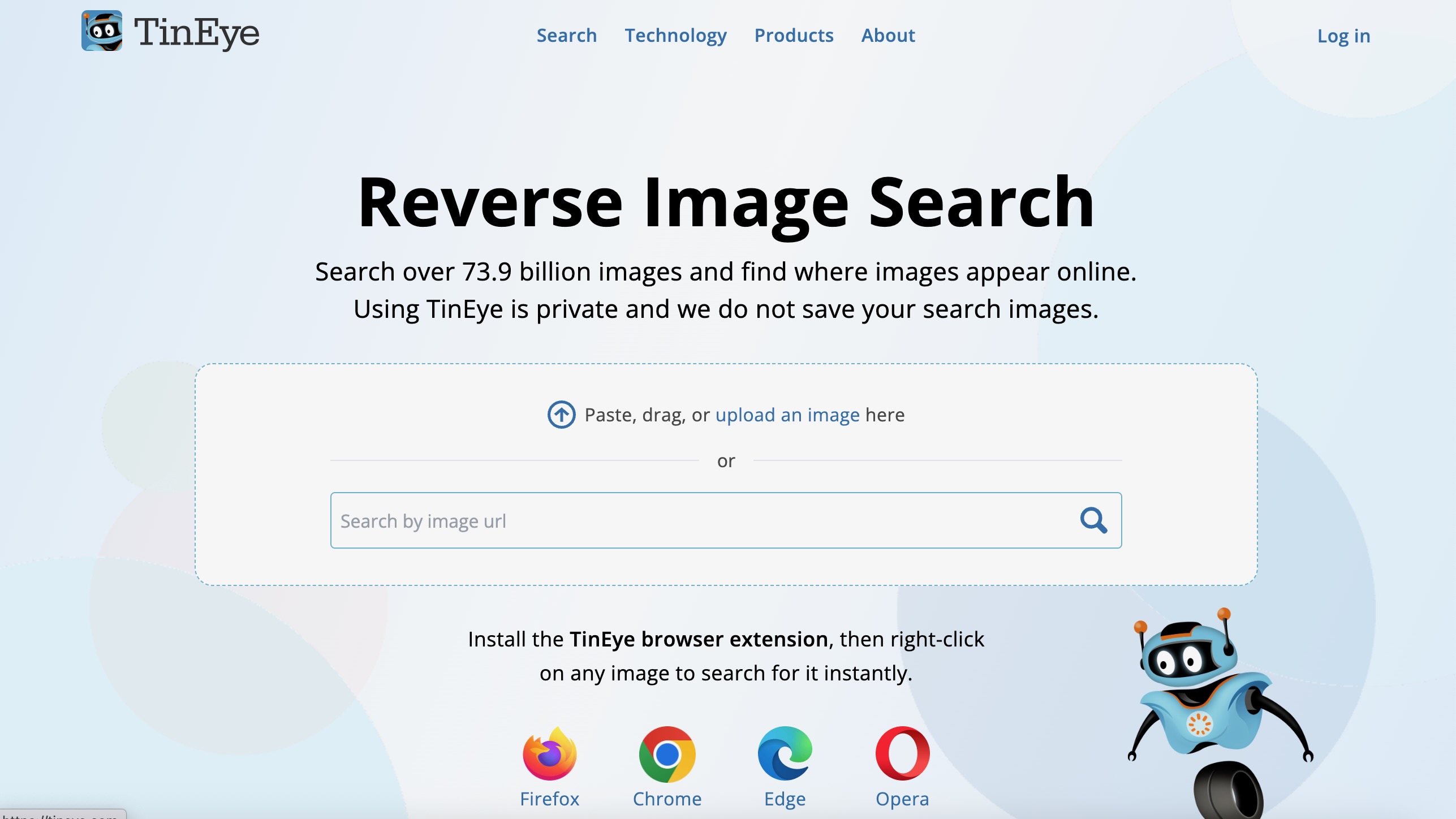
TinEye specializes in tracking exact matches and image history. It’s less about “similar vibes” and more about precise duplication. This makes it invaluable for copyright checks and source verification.
For inspiration and trend discovery, Pinterest offers visual search features that surface stylistically related content rather than strict matches. This is perfect for designers, lifestyle bloggers, and marketers.
When dealing with commercial imagery, platforms like Getty Images and Shutterstock provide robust internal search systems optimized for licensing and professional use.
Experts rarely rely on one tool. The real advantage comes from cross-checking results across platforms, comparing overlaps, and understanding each tool’s bias and strength.
Common Mistakes and How to Fix Them
One of the most common mistakes is assuming the first result is the original source. Popular images are often reposted thousands of times, and search engines may rank a copy higher than the original. Always dig deeper.
Another frequent error is ignoring image modifications. Cropping, flipping, or color changes can hide matches. The fix is simple: run multiple variations of the same image.
Many users also overlook metadata entirely. EXIF data, filenames, and alt text provide critical clues, especially for verification and SEO work. Treat them as part of the image, not an afterthought.
Finally, people trust tools blindly. Image search techniques are powerful, but they’re not infallible. Results should inform judgment, not replace it.
Conclusion
Image search techniques are no longer optional skills in a visual-first digital world. They empower you to verify truth, discover opportunities, protect assets, and create smarter content. When used strategically, they save time, reduce risk, and unlock insights hidden in plain sight.
If there’s one takeaway, it’s this: don’t treat images as decoration. Treat them as data. Start applying these techniques today—experiment with different tools, refine your workflows, and build the habit of questioning every image you encounter. The more you practice, the sharper your visual intelligence becomes.
FAQs
What are image search techniques used for most often?
They’re commonly used for reverse image lookup, source verification, SEO research, copyright tracking, and visual inspiration.
Is reverse image search accurate?
It’s highly effective but not perfect. Accuracy improves when you use high-quality images and multiple tools.
Can image search help with SEO?
Yes. It reveals how search engines interpret visuals, what ranks, and where optimization opportunities exist.
Which tool is best for beginners?
Google Images is the easiest starting point due to its scale and simplicity.
How do professionals verify fake images?
They combine reverse image search, metadata analysis, and contextual research across multiple platforms.